
Appearance
How To Make Content Plan Using AI Content Content Planner
How To Make Content Plan Using AI Content Content Planner
Creating blog content that attracts consistent organic traffic can be challenging. One of the most common difficulties is deciding which topics to write about and how to organize them effectively for SEO.
The AI Content Planner helps you transform a single keyword into a structured content plan, allowing you to build topical authority without manual keyword research or spreadsheets.
Why Topic Clusters Are Important
Publishing isolated or unrelated blog posts usually does not generate stable search traffic. Search engines favor websites that demonstrate clear topical coverage.
A topic cluster strategy helps search engines understand:
- What your site is about
- Which pages are most important
- How your content is connected
What Is a Topic Cluster?
A topic cluster consists of:
- Pillar PageA comprehensive page that provides an overview of the main topic.
- Supporting Pages (Sub-pages)Pages that focus on specific subtopics or search intents related to the pillar topic.
- Internal Linking Structure
- fu haoSub-pages link back to the pillar page
- The pillar page links to all sub-pages
- Related sub-pages may link to each other
This structure improves crawlability, strengthens topical relevance, and enhances user navigation.
How AI Content Planner Works
The AI Content Planner automatically analyzes real Google search data and organizes keywords into topic clusters based on search intent and relevance.
Step 1: Select Target Market and Language
Before generating a content plan:
- Choose your target market
- Select the keyword language
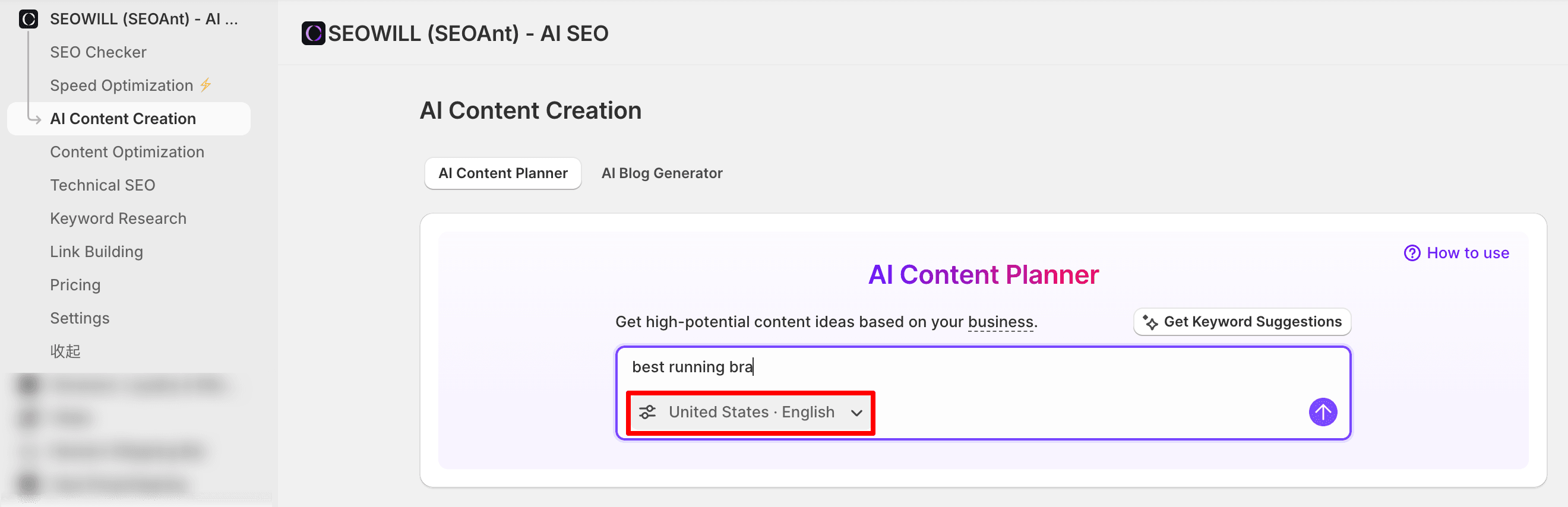
This ensures the keyword data aligns with your audience and regional search behavior.
Step 2: Enter Seed Keywords
Enter keywords that are:
- Specific
- Closely related to your products or niche
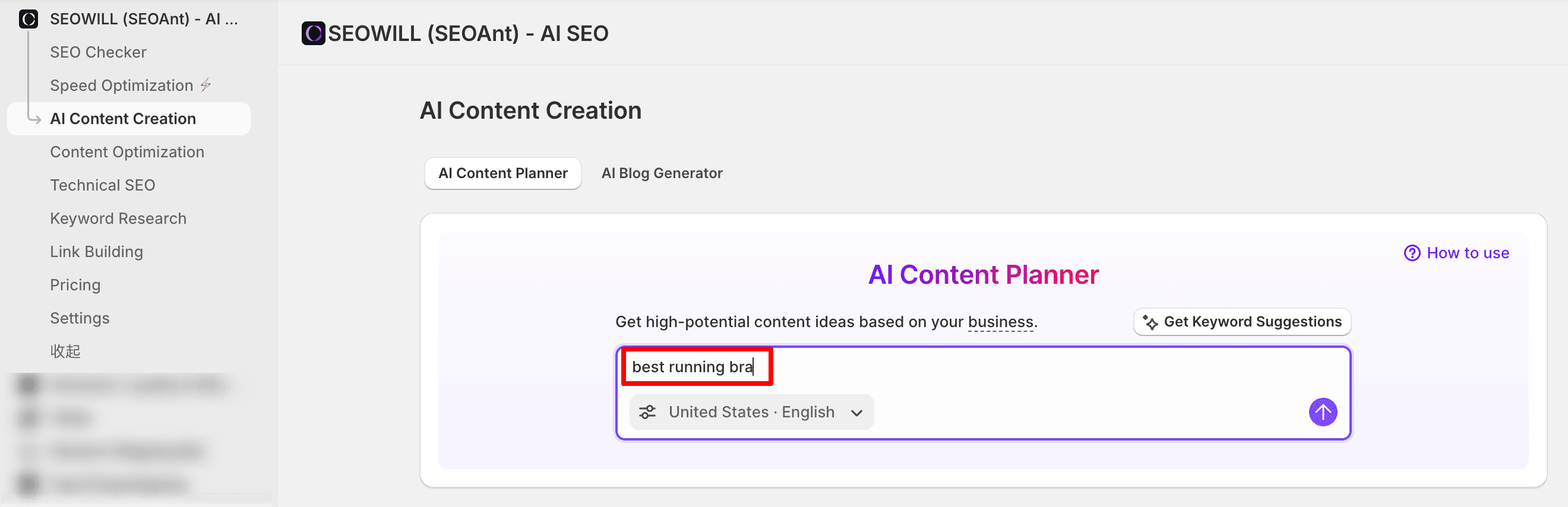
Example:
- Avoid broad keywords such as bras
- Use intent-based keywords such as best running bra
More specific keywords help the system generate clearer topic clusters and better content direction.
Step 3: Generate Topic Clusters
After entering your seed keyword, AI Content Planner:
- Pulls real Google SERP data
- Analyzes keyword relationships
- Automatically generates a pillar topic with supporting subtopics
Topic Cluster ExampleSeed keyword: best running bra

Topic: Best exercise braPillar Page: best exercise braContent suggestion
Each sub-page targets a specific search intent, such as:
- Best running bra no chafing
- Supportive sports bras for running
- Wireless sports bra for running
- High-impact running sports bra
All supporting pages link back to the pillar page, forming a complete content structure.
View Keyword Recommendations

In the Recommendations tab, you can identify:
- Keywords with lower competition
- Pages that are easier to rank
This helps prioritize which content to create first.
Create and Publish Content
Once your topic cluster is ready:
Select a topic and choose Action button
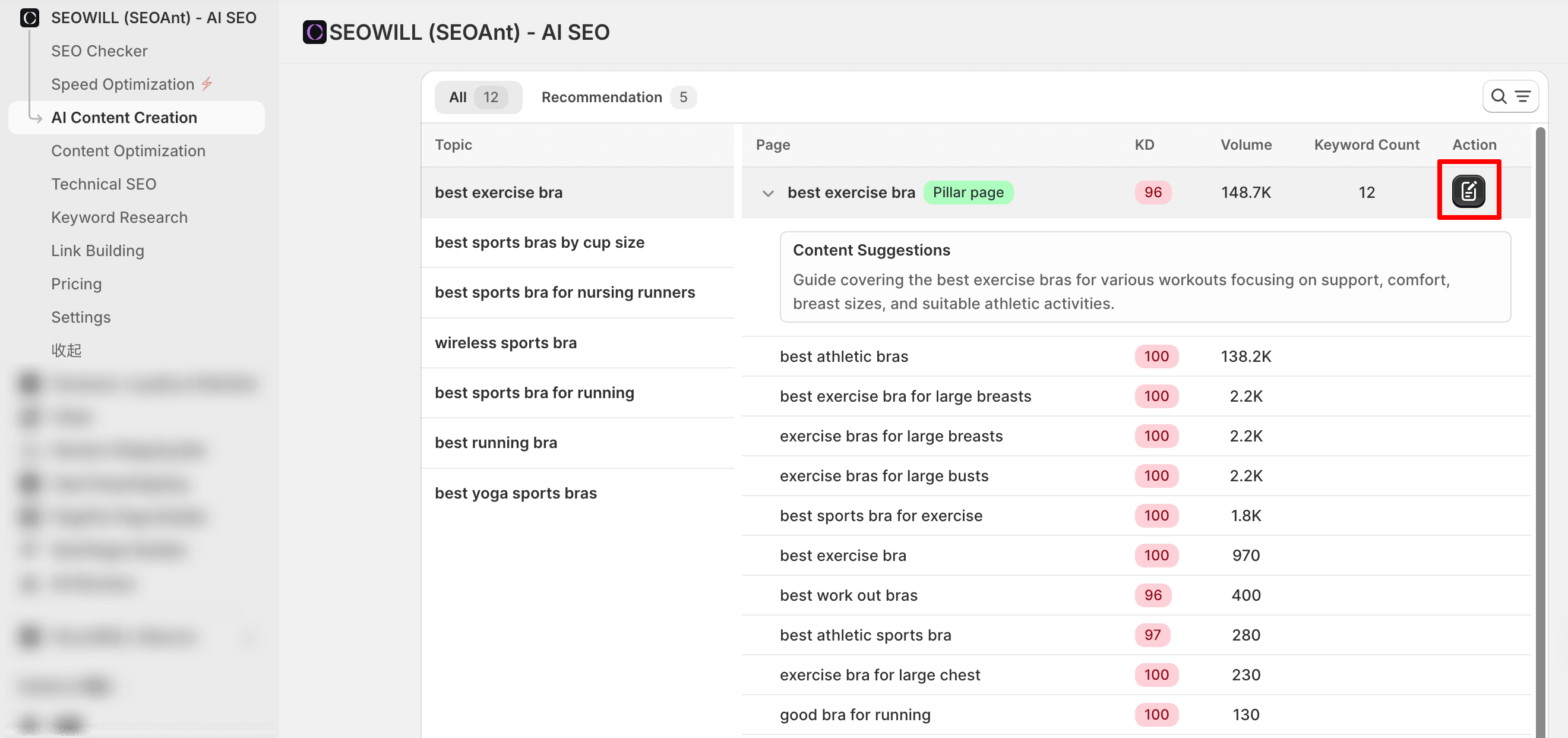
It will direct you to the AI Blog Generator (link to the below article)
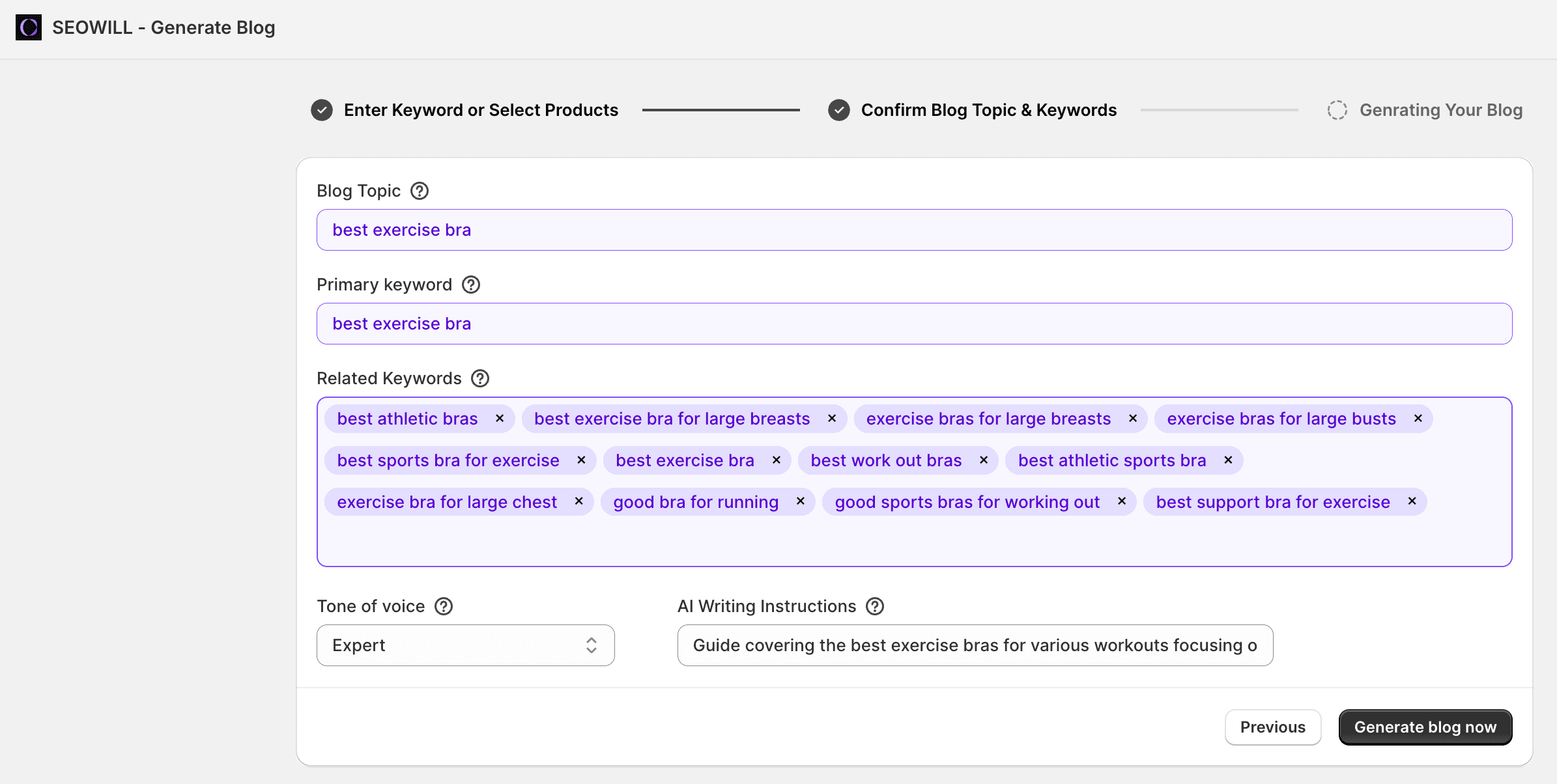
Review the generated content
Publish the blog when ready
This creates a streamlined workflow from keyword research to content publication.
Best Practices
- Use specific, intent-driven seed keywords
- Build internal links between pillar and sub-pages
- Regularly update your content plan as your product catalog grows
By using AI Content Planner, you can build structured content that supports long-term SEO growth and improves organic visibility.
If you have any questions or need assistance, please feel free to contact SEOWILL Support Team.